Debugging with the gameplay debugger
Unreal Engine ships with the Gameplay Debugger which you can use to view the realtime state of the game in the editor and on-device.
EOS Online Framework extends the gameplay debugger to provide information about the current P2P connections, the NAT type and the packet queue length:
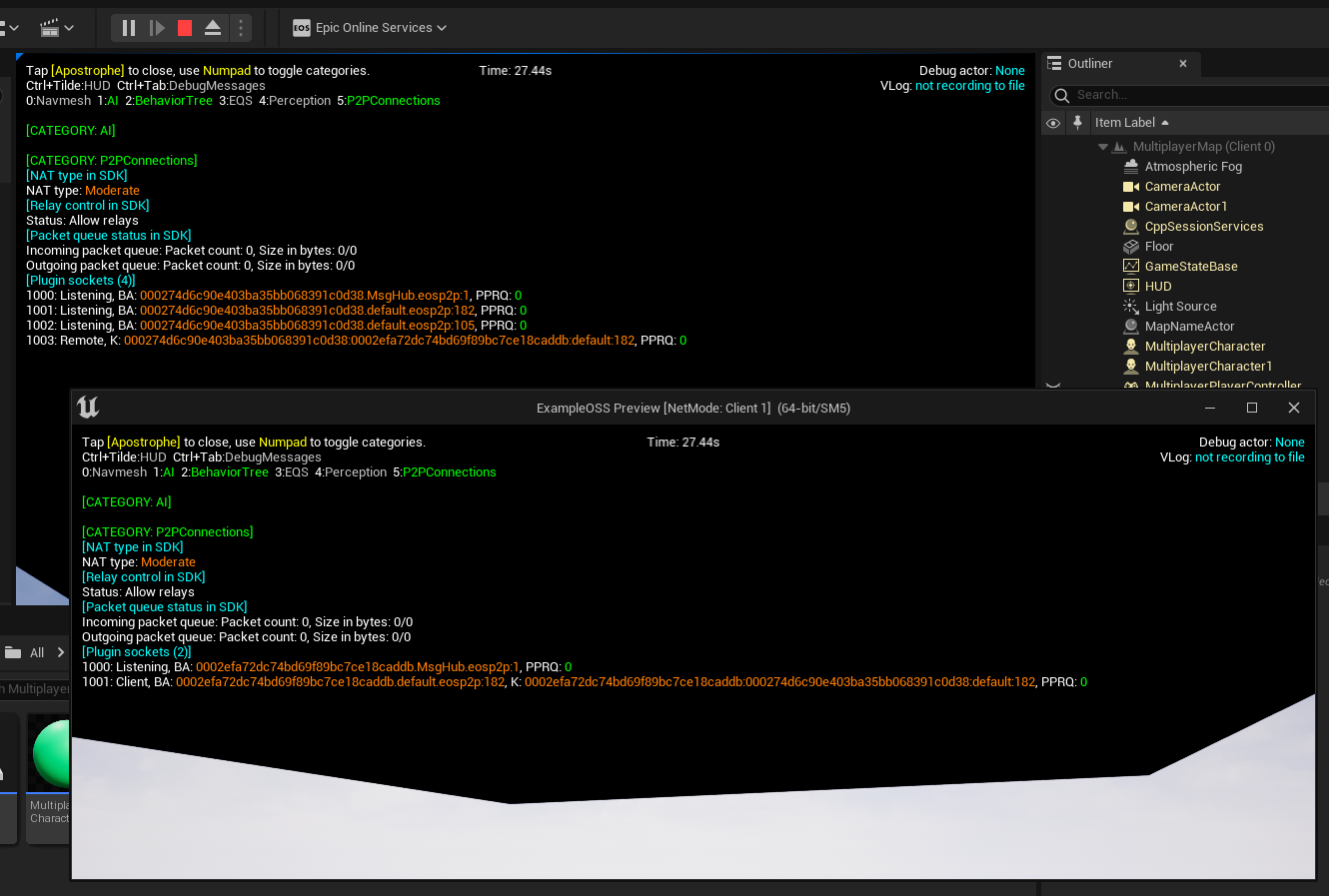
To enable the gameplay debugger, type enablegdt in the console. In the editor the console can be accessed by pressing ` on your keyboard after starting play-in-editor.